
iPhone App Workflows & Features
Apple Watch Calories vs Food Logging: What to Trust
Apple Watch calorie estimates rely on generalized formulas that can't account for individual metabolism or actual exercise intensity. The solution is prioritizing precise food logging over wearable burn estimates.
Fuel8
13 October 2026
Updated 13 October 2026
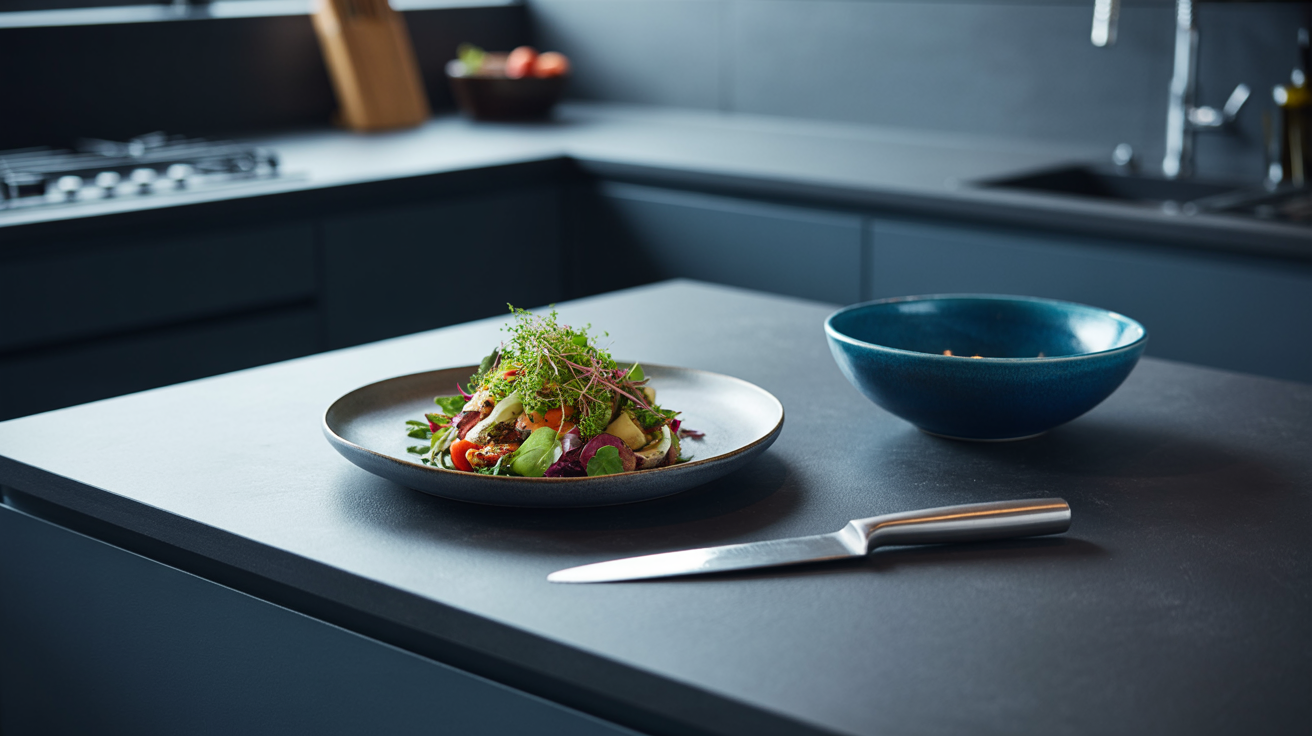
Apple Watch calorie estimates miss the mark because they depend on generalized formulas that can't account for your actual metabolism, how hard you're really working, or where you stuck the device on your wrist. The real leverage? Track what goes in, "calories in", with precision, rather than guessing at what goes out. Fuel8, a calorie and macro tracker for iPhone, tackles this by prioritizing food logging accuracy through barcode scanning, voice input, and database search across 13,521 foods while keeping everything on your device. No cloud syncing. No accounts. No streak-based guilt trips that turn logging into a chore.
Quick answer: Why Apple Watch calorie estimates fall short without better app integration
Wearables estimate calorie expenditure using broad physiological models that can't account for individual variation in metabolism, the true intensity of an activity, or how your body compensates for exercise through appetite shifts and metabolic adjustments. Those margins of error mean relying solely on "calories burned" to justify eating more often shrinks your deficit to nothing.
The trade-off is fundamental: wearable calorie estimates sacrifice accuracy for convenience. "Calories in" stays mostly within your control. You can estimate a restaurant meal's contents more reliably than any wearable can predict how many calories your body actually burned during a workout. Don't abandon wearables. Just pair them with precise food logging that avoids inflating intake based on exercise data.
What you need first: Setting up Fuel8 for accurate food logging on iPhone
Before integrating a food tracker with the Apple Watch, establish a baseline workflow in an app designed for accuracy and privacy. Fuel8 requires no account creation, no login, no personal data entry.
Installation takes five steps:
-
Download and open the app. All logged data stays on the device; no signup interrupts you.
-
Learn the three logging methods. Barcode scanning, voice input, database search. Each serves different contexts, barcode scanning works in kitchens and supermarkets, voice input suits hands-free logging while driving or cooking, database search helps when packaging isn't available.
-
Check the food database. Fuel8 includes 13,521 foods. Search for a typical meal (chicken breast, olive oil) and note which entries appear first. Speeds up future logging.
-
Set macro targets if you want. Fuel8 lets you define calorie and macronutrient goals directly in the app. Optional, the tracker functions without preset targets, but establishing them early supports trend analysis.
-
Understand the "no streaks, no scores" philosophy. The app displays a weight trend, typically a weekly average, rather than daily verdict. This reduces the psychological penalty of a single missed log or off-plan meal. Encourages consistency over perfectionism.
Accept rough logging. Fuel8's interface is built around the principle that a day logged imprecisely beats a day not logged at all.
Step-by-step: Using Fuel8's barcode scanning, voice input, and database search to build reliable calorie data
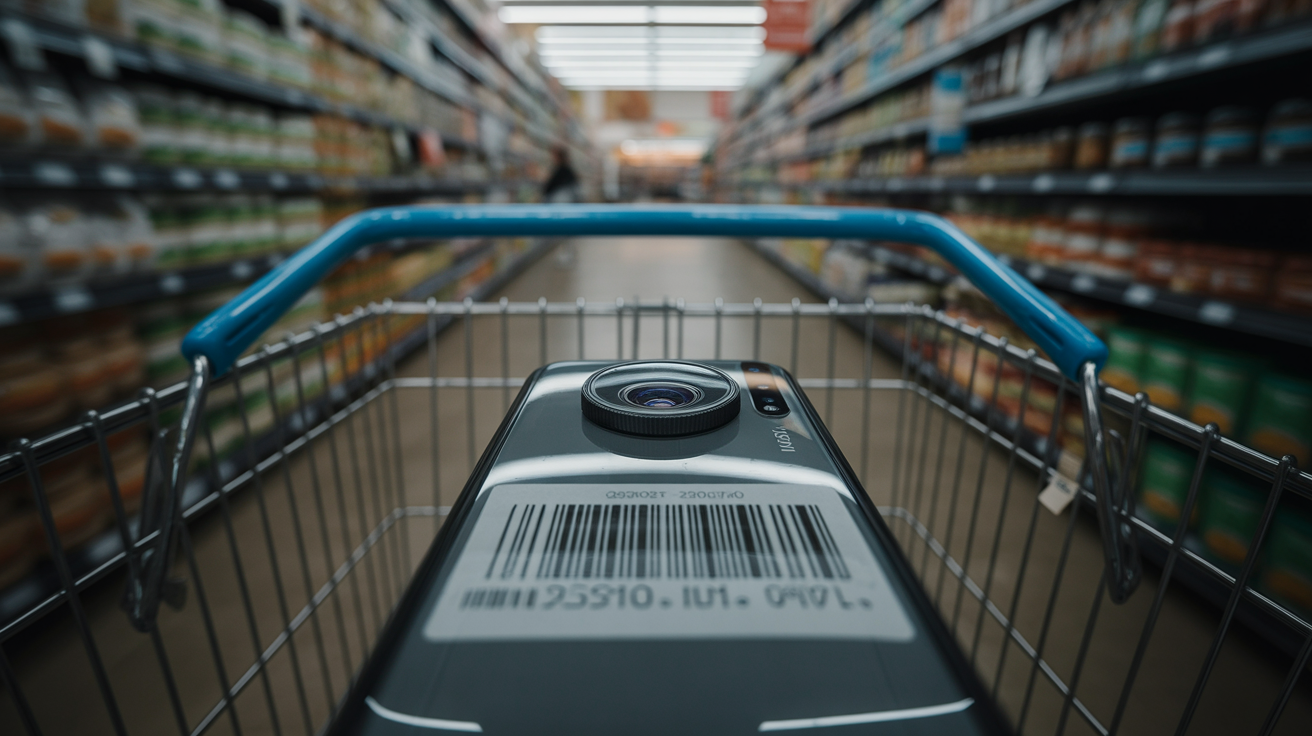
Effective food tracking depends on choosing the right input method for each context.
Barcode scanning
Open Fuel8 and select the barcode scanner. Point the iPhone camera at a product's barcode, usually on the back or side of the package. The app reads it and returns a match from its database or, when there's no match, prompts manual entry.
Confirm the serving size. Barcode matches default to the manufacturer's stated serving; adjust portions if the logged amount differs from what you consumed. Log the entry. The app records calories, macros, timestamp.
When to use: Packaged foods, restaurant takeout containers with nutrition labels, grocery items. Barcode scanning removes guesswork about portion and ingredient accuracy because the data comes straight from the manufacturer's label.
Voice input
Open Fuel8 and select the voice logging option. Speak a description of the meal in natural language, "two eggs scrambled with butter and a slice of whole wheat toast." Fuel8 processes the voice input and returns suggested matches from its database.
Confirm or refine the match. Adjust portion sizes if needed, then log the entry.
When to use: Home-cooked meals, situations where packaging isn't available, hands-free logging (while driving after a meal). Voice input trades precision for speed; review and adjust the app's interpretation before confirming.
Database search
Open Fuel8 and select the search option. Type the name of a food, "grilled chicken breast." Review the list of matches. Database entries often include multiple variations: different cooking methods or portion sizes.
Select the entry closest to what you consumed. Adjust the portion size if the default (usually 100g or a standard serving) doesn't match intake. Log the entry.
When to use: Prepared meals from restaurants or chains, home-cooked foods when a recipe is known, situations where neither barcode nor voice is practical. Database search requires the most user judgment about portion size; weighing food on a scale, when possible, reduces error.
Across all three methods, aim for consistency and speed over perfection. Fuel8's design encourages rough estimates, entering "1 cup of pasta" rather than weighing 150g, because tracked data, even if imprecise, reveals trends that unlogged days don't.
Example or scenario: A week of macro tracking with Fuel8 shows trends wearables alone can't capture
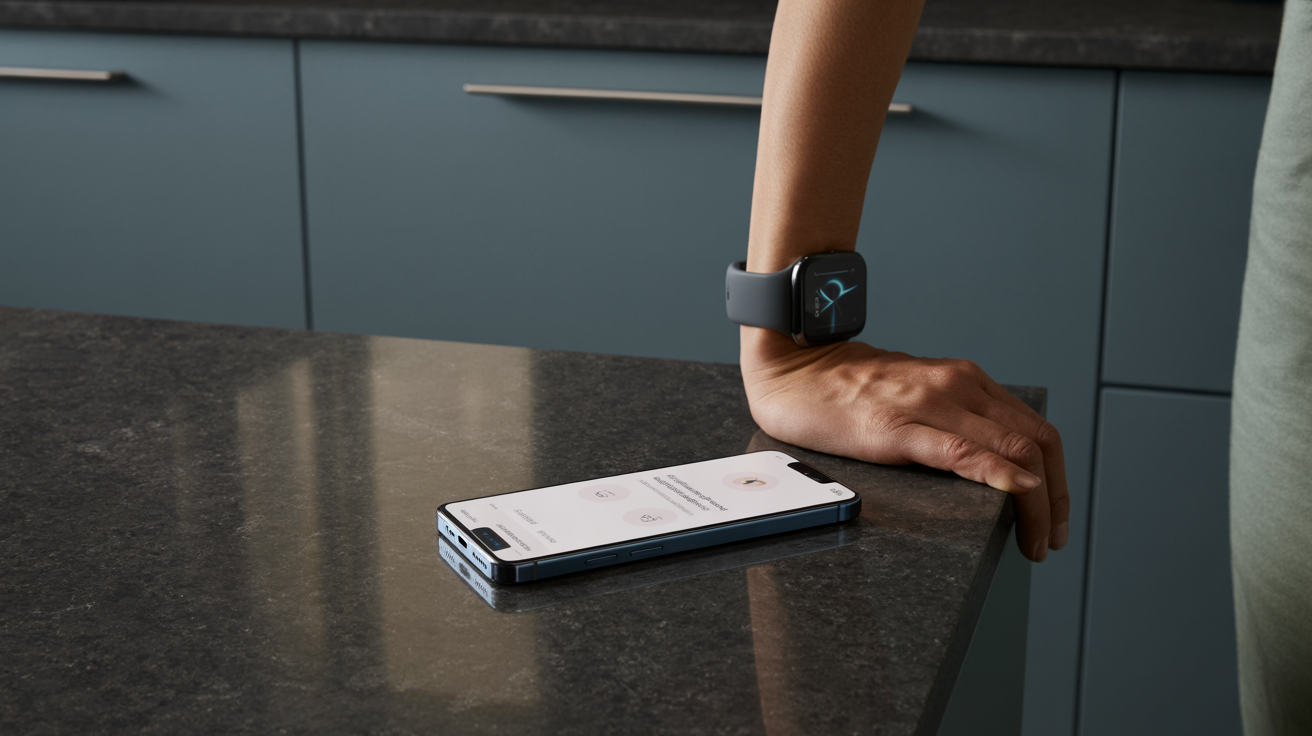
Consider a user with an Apple Watch who logs meals with Fuel8 for one week.
Monday: Breakfast is oatmeal with berries and milk, around 350 calories. Lunch is grilled chicken salad, roughly 450 calories. Dinner is salmon, rice, and vegetables, about 700 calories. The Apple Watch reports 2,100 calories burned for the day based on activity and heart rate. Fuel8 logs 1,500 calories consumed. Net deficit: approximately 600 calories according to the wearable.
Tuesday, Thursday: The pattern repeats with minor variations. Each day, the wearable reports 2,000-2,200 calories burned; Fuel8 logs 1,400-1,600 calories consumed. Wednesday brings a 45-minute gym session, and the wearable reports an additional 400 calories burned. Tempted by the wearable's estimate, the user adds a snack, 150 calories, to "compensate."
Friday, Sunday: Weight hasn't changed. Frustration sets in because the Apple Watch suggested large deficits, but the scale shows no progress. Upon reviewing Fuel8's weekly trend (not daily fluctuations), the user notices actual calorie intake is closer to 1,600 calories on average, slightly higher than earlier in the week due to the added snack and other adjustments.
The lesson: The Apple Watch's calorie burn estimates masked the real picture. Fuel8's trend view revealed that net intake had drifted upward, explaining the lack of progress. By focusing on the Fuel8 log, the logged input, and ignoring the wearable's burn estimates, the user could make an informed decision: either lower food intake or accept a smaller deficit. The wearable's data alone provided no actionable insight.
Common mistakes: Trusting wearable burn estimates and neglecting local data privacy in fitness apps
Overestimating exercise calories
The most common error is treating the wearable's calorie burn figure as a license to eat more. The body's energy compensation, where increased activity can reduce metabolic rate or increase appetite, means the net calorie deficit from exercise is almost always smaller than the wearable reports. Adding exercise calories back into a food budget often negates weight-loss progress entirely.
Fuel8 addresses this by refusing to import or add Apple Watch step counts to your calorie allowance. The app reads steps from Apple Health to provide context about activity levels but explicitly does not adjust food targets upward. This design acknowledges that calorie expenditure estimates from wearables carry substantial error margins and that precision in food intake is more actionable than precision in burn estimates.
Focusing on daily fluctuations instead of trends
Weight, calorie intake, and other metrics fluctuate daily due to water retention, glycogen levels, digestive contents. A user who weighs themselves every morning and adjusts behavior based on daily changes, cutting calories after a 2-pound gain or adding food after a 1-pound loss, is reacting to noise, not signal.
Fuel8 combats this by displaying a weight trend, typically a weekly average, rather than a daily verdict. Users can still log daily, but the app emphasizes the direction and slope of change over weeks. Not the daily number. This reduces the psychological harm of daily fluctuations and supports habit formation by rewarding consistency rather than perfection.
Storing sensitive health data on external servers
Many fitness apps and wearable ecosystems collect extensive personal health data, meal contents, weight, exercise history, location, and store it on company servers, where it may be shared for analytics, sold to third parties, or compromised in a breach. Users often accept this trade-off without realizing the risk to their privacy.
Fuel8 stores all logged data on the user's device. Nothing leaves the iPhone. The app requires no account, no login, no personal information. No analytics. No ad networks. No third-party code. This on-device processing approach gives users complete control over their data and eliminates the privacy risk of server-side storage.
FAQs
How do I set up Fuel8 on my iPhone for the first time?
Download Fuel8 from the App Store and open it. No account creation or login is required. The app begins logging immediately. Set calorie and macro targets by navigating to the settings section, or skip this step and begin logging without preset goals. All data remains on your device.
Does Fuel8 work offline?
Yes. Fuel8 works completely offline. Barcode scanning, voice input, and database search all function without an internet connection because the 13,521-food database and all processing happen on-device. The app remains available anywhere and eliminates dependence on cloud services.
Should I trust Fuel8's calorie estimates for restaurant meals?
Fuel8's database relies on manufacturer data for packaged foods and standard nutritional references for generic items like "grilled chicken breast, 100g." Restaurant meals vary widely in ingredients and preparation, so database estimates for these carry significant error. Fuel8 encourages rough logging, entering what you know and moving on, rather than striving for false precision. A day logged imprecisely is more useful for trend analysis than a day not logged at all.
How do I integrate Fuel8 with my Apple Watch?
Fuel8 reads step and activity data from Apple Health but doesn't add exercise calories back to your daily budget. Open Fuel8's settings, verify that Apple Health permissions are enabled, and allow the app to read steps and activity data. Your wearable's data appears in the app's activity context, but food targets remain unchanged regardless of workout intensity or duration.
What if I forget to log a meal?
Fuel8 lets you log meals on past days by navigating to a previous date and adding entries retroactively. This supports catch-up logging without breaking the app's workflow. However, rough logging, entering meals within a few hours of consumption, yields more accurate estimates than trying to recall meals from days earlier.
Can I export my data or switch apps later?
The research provided doesn't specify whether Fuel8 offers data export functionality. Users should verify this directly through the app's settings or contact the developer if data portability is a priority.
- iPhone App Workflows & Features
- Apple Watch calorie accuracy
- calorie tracking app
- food logging accuracy
- Fuel8 app
Fuel8 is on the App Store.
A food diary for iPhone. It tracks protein, carbs and fat alongside calories, shows a weight trend rather than a daily verdict, never adds exercise calories back, and has no streaks to break.
Download on the App StoreGet the seven-day Fuel8 email guide, including how the app works and membership benefits. Then occasional recipes and product updates.
Your name and email go to Grow More Services L.L.C-FZ, the company that builds Fuel8, and are stored in Resend so we can email you the seven-day app guide, membership benefits, recipes and product updates. An account is not required. Unsubscribe in one click, any time.
This piece is editorial content and not medical or dietary advice. The full health disclaimer is below.