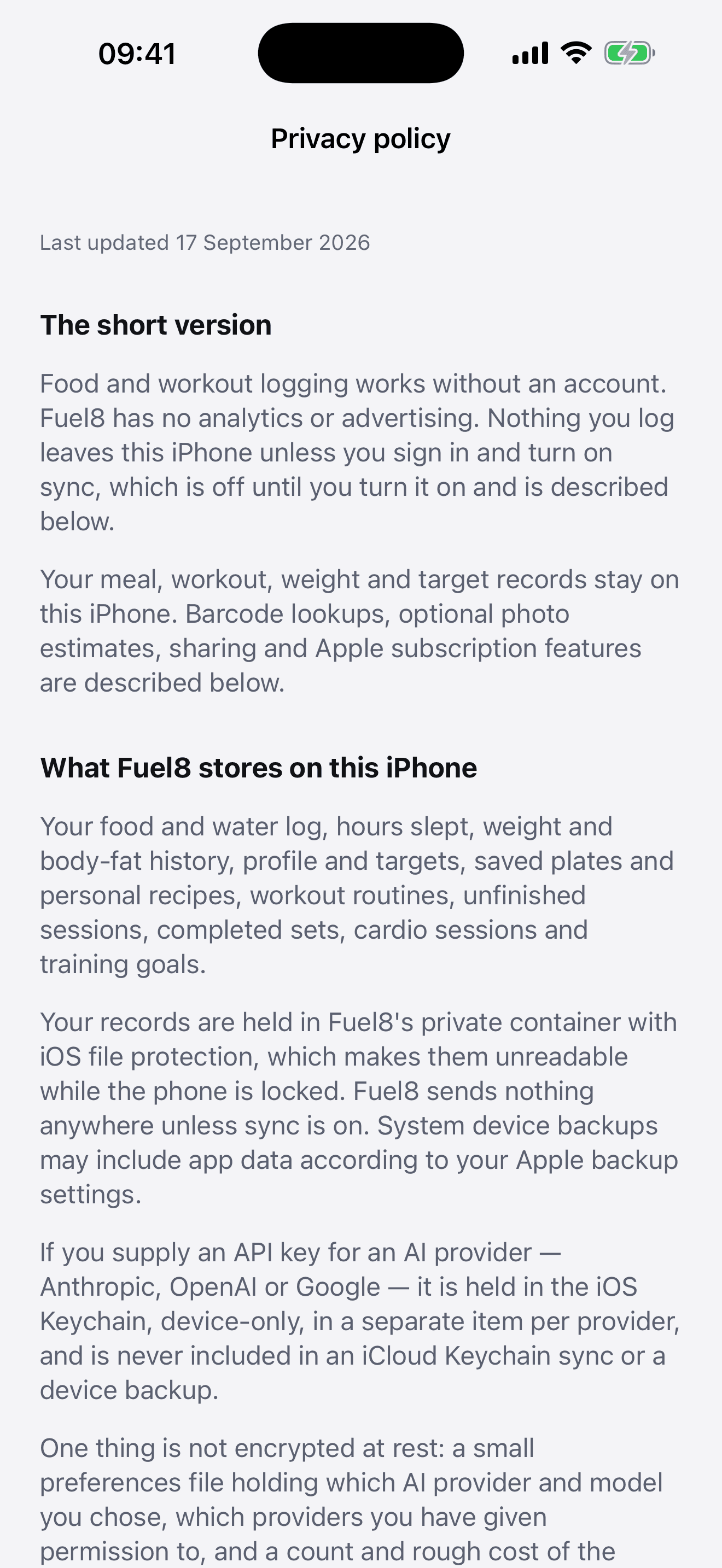
Progress
A week or month of nutrition, sleep, water and completed workouts, with available shared Health activity. Weight uses the same seven-day weighted average as the app; longer charts label their own date ranges.
Your account
Logging a meal never needed an account, and it still doesn’t. Sign in with Apple when you want your records somewhere you can read them in a browser, share them with a coach, or wipe them in one click.
01
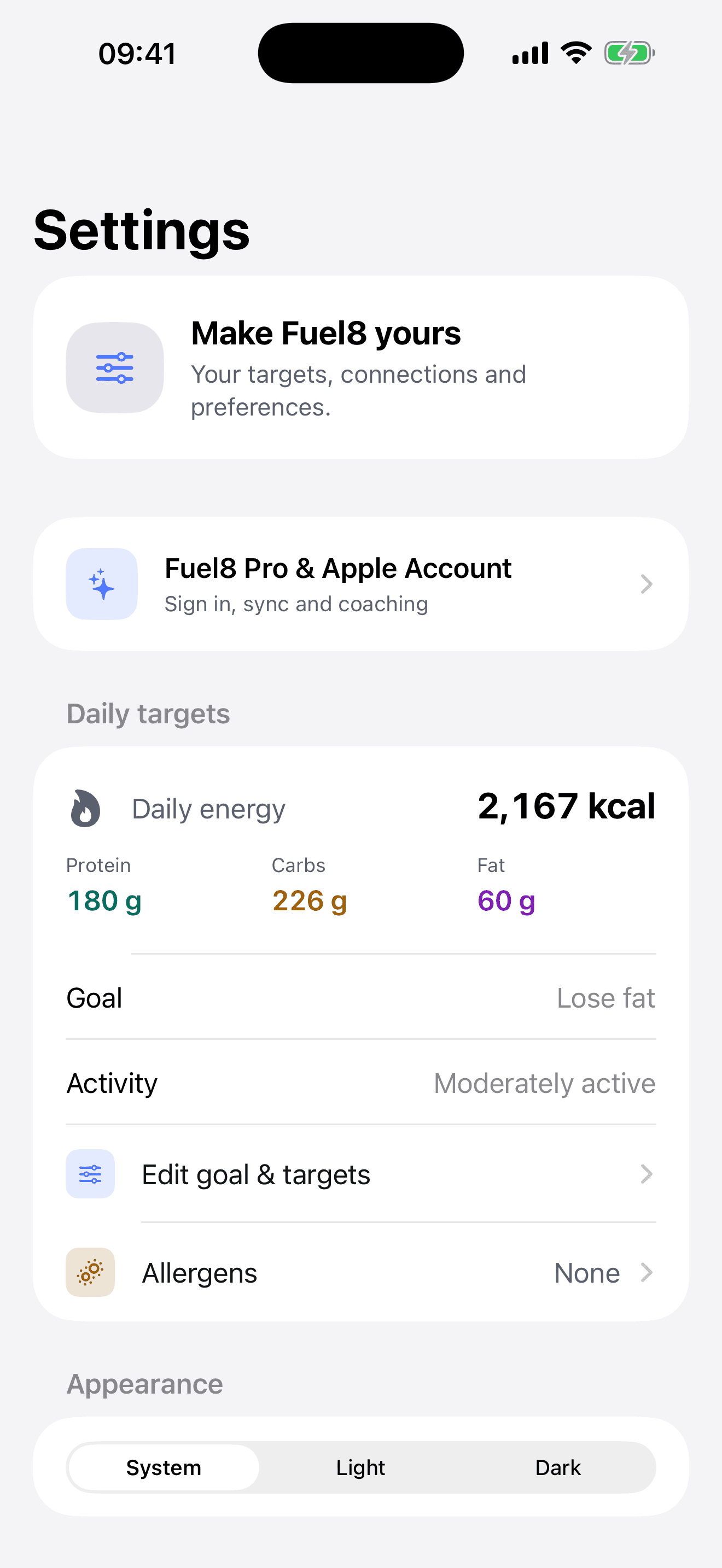
Settings, then Account, Sync & Coaching. Use Sign in with Apple. You can hide your Apple email and add or edit a display name and contact email afterwards in Account details.
02
The switch is called Send my records to my account. It is off until you flip it, and signing in on its own sends nothing.
03
Sign in on this site with the same Apple Account and open Progress, Diary or Workouts. The numbers are the app's numbers.
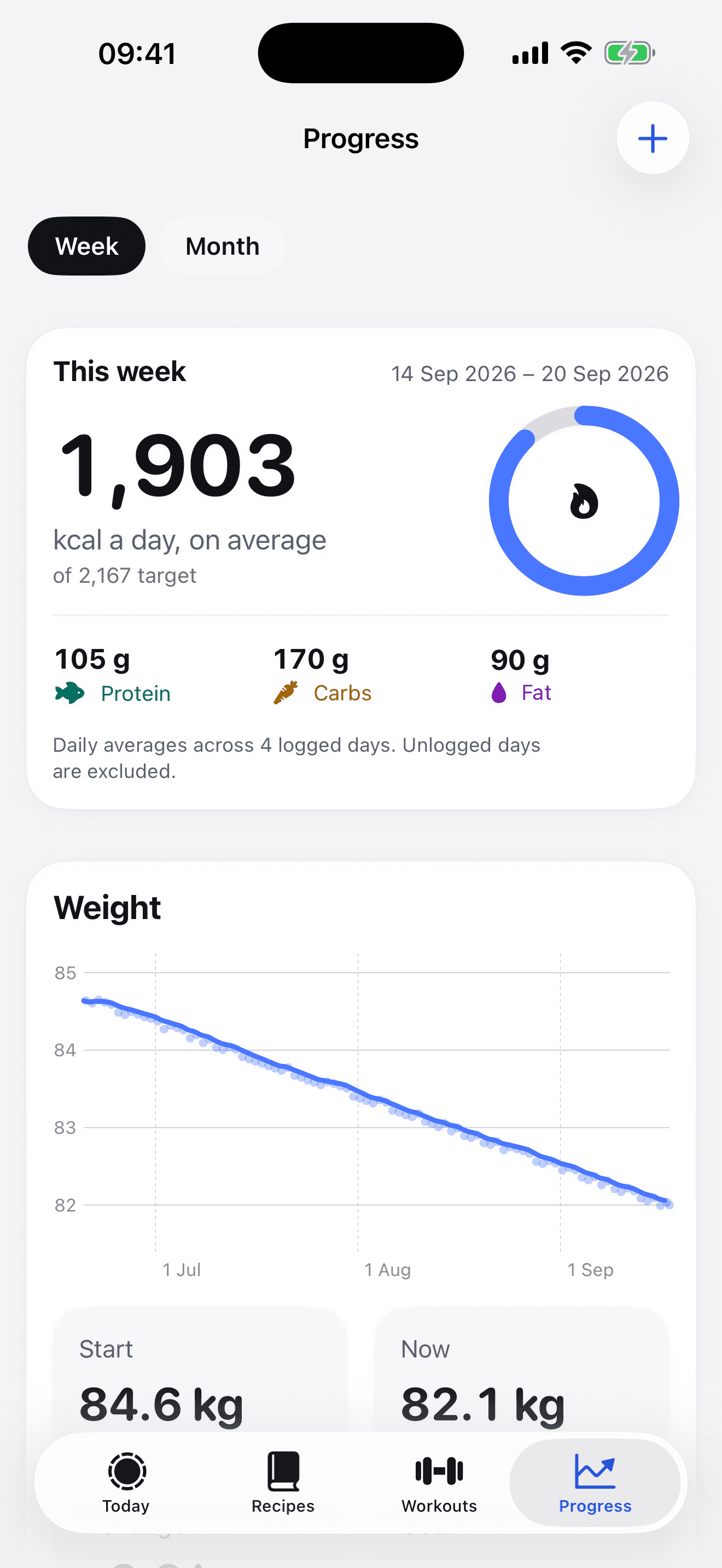
Your diary, Progress and workouts use the same recorded values shown to a connected coach. You can also read the raw documents, and the button that removes them.
A week or month of nutrition, sleep, water and completed workouts, with available shared Health activity. Weight uses the same seven-day weighted average as the app; longer charts label their own date ranges.
Any day, by meal. Every item with grams, calories and macros, how it was logged and whether it was estimated. Water, sleep, weight and the day's workouts beside it.
Every session: each exercise, its sets, reps and weight, the volume lifted, and cardio with distance.
Every document the app sent, listed by name with its size and date. Open any one and read it exactly as stored. Remove one, or remove all of it, in one click.
It goes to www.getfuel8.com, under your account, and nowhere else. It is held to show it back to you and to anyone you share it with. Not for advertising, not for sale, and not for training anything.
Flip the switch and the app stops sending. What is already on the server stays until you remove it, on the account page, one document at a time or all at once.
In the app or on the site. It removes the account, every synced record and every coaching link, and tells Apple to stop listing Fuel8 under your Apple Account. Your phone is untouched.
A coach gives you a code. Enter it under Connect with a coach in the app, or in the Coaching box on your web account. They can then see your Progress, Diary and Workouts until you press Stop sharing. Their name is listed there for as long as they have access.
A coach can send a workout to your app’s inbox. You add it or dismiss it, and receiving one does not turn sync on. What a coach sees, in full.