
Three foods, one sentence
Say the lot in one go. Each food comes out separately, with the portion you said attached to the right one.
A calorie tracker for iPhone. Search 13,521 foods, scan a barcode or just say it. Log offline, or sign in with Apple and enable sync for your web dashboard and connected coach.

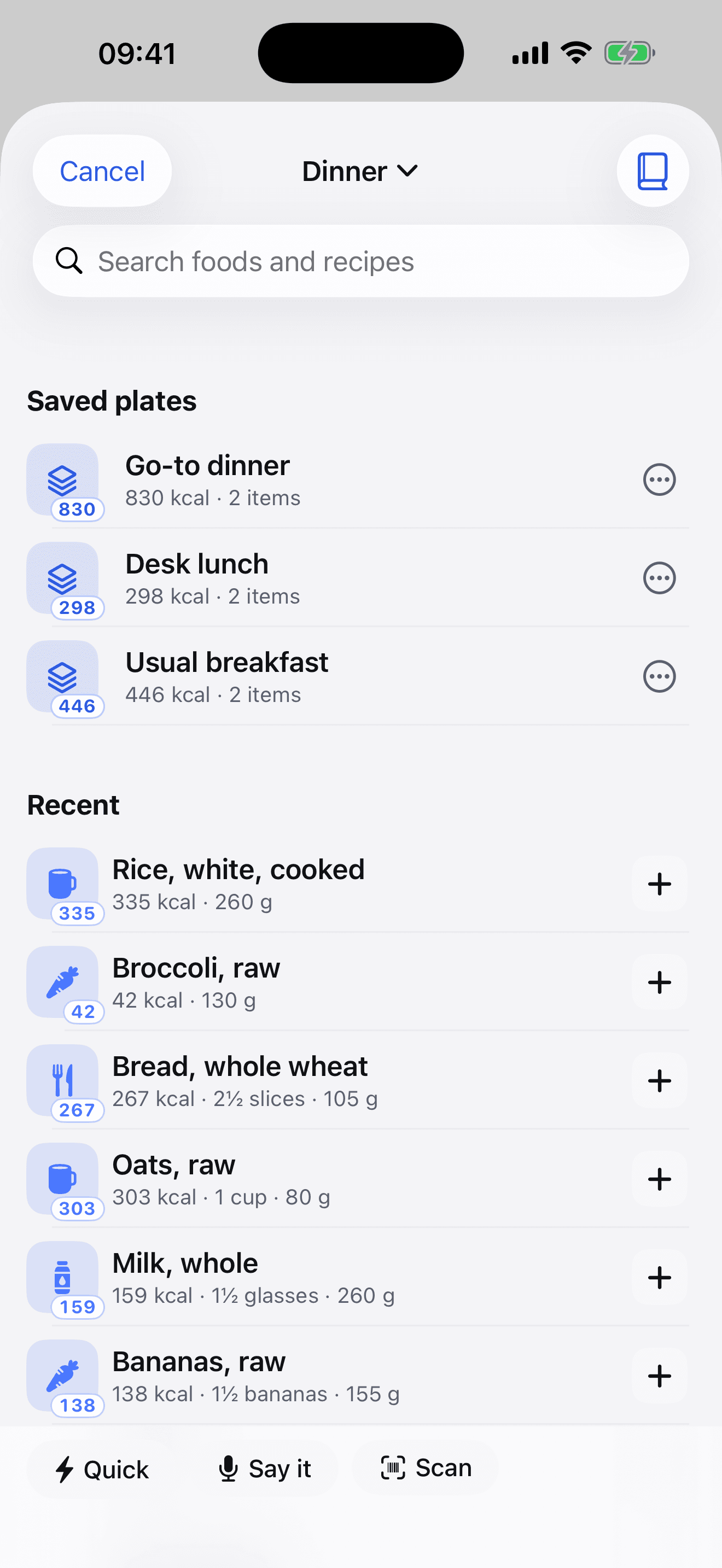
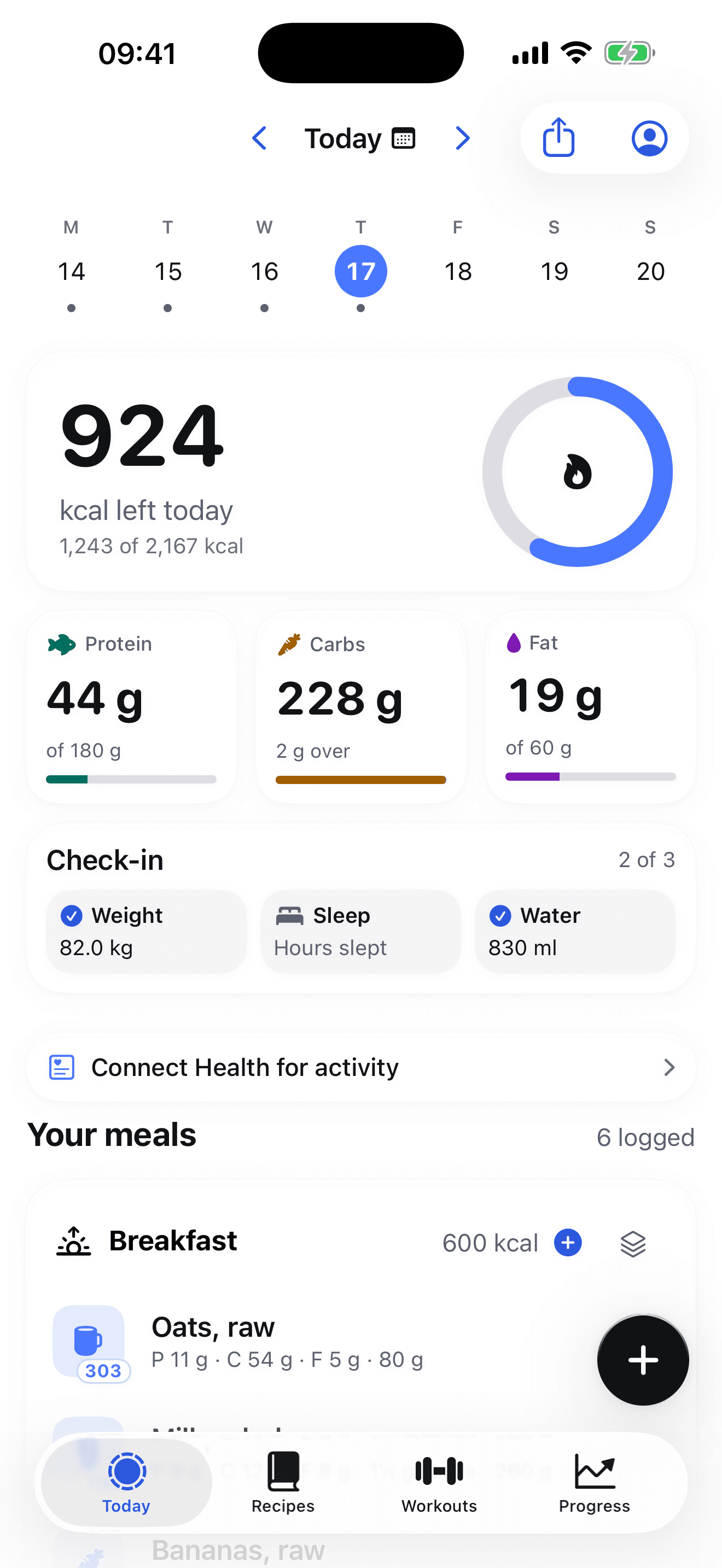
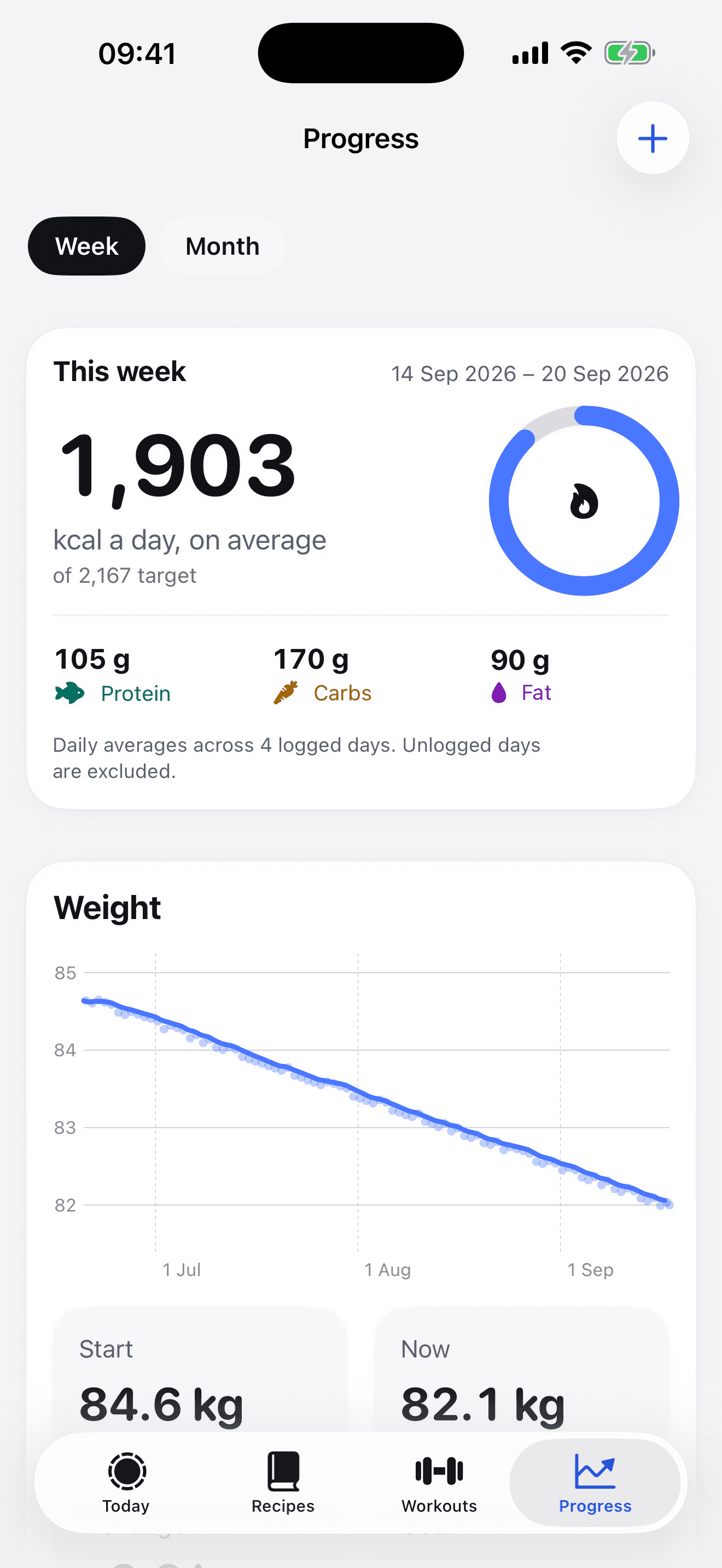
“Chicken breast 200g, a cup of rice, tablespoon of olive oil.”
One sentence, three foods, no typing, and it works in aeroplane mode, because both the listening and the understanding happen on your phone.
Say the lot in one go. Each food comes out separately, with the portion you said attached to the right one.
“200g” is 200g whatever it's attached to. “A cup” isn't, so a cup of rice and a cup of spinach don't get the same number.
Recognition and parsing both run on-device. If a phone can't do it locally, Fuel8 refuses rather than uploading the audio.
Everything spoken arrives as a proposal on a plate you can edit. Portions it guessed are marked as estimates.
The whole database is inside the app. Results as you type, with no signal needed.
Point it at the packet. Found once, and it resolves instantly every time after.
Your usual breakfast, the desk lunch, the go-to dinner. Each one tap, not four searches.
“Chicken breast 200g, white rice, a tablespoon of olive oil.” Recognised on the phone.
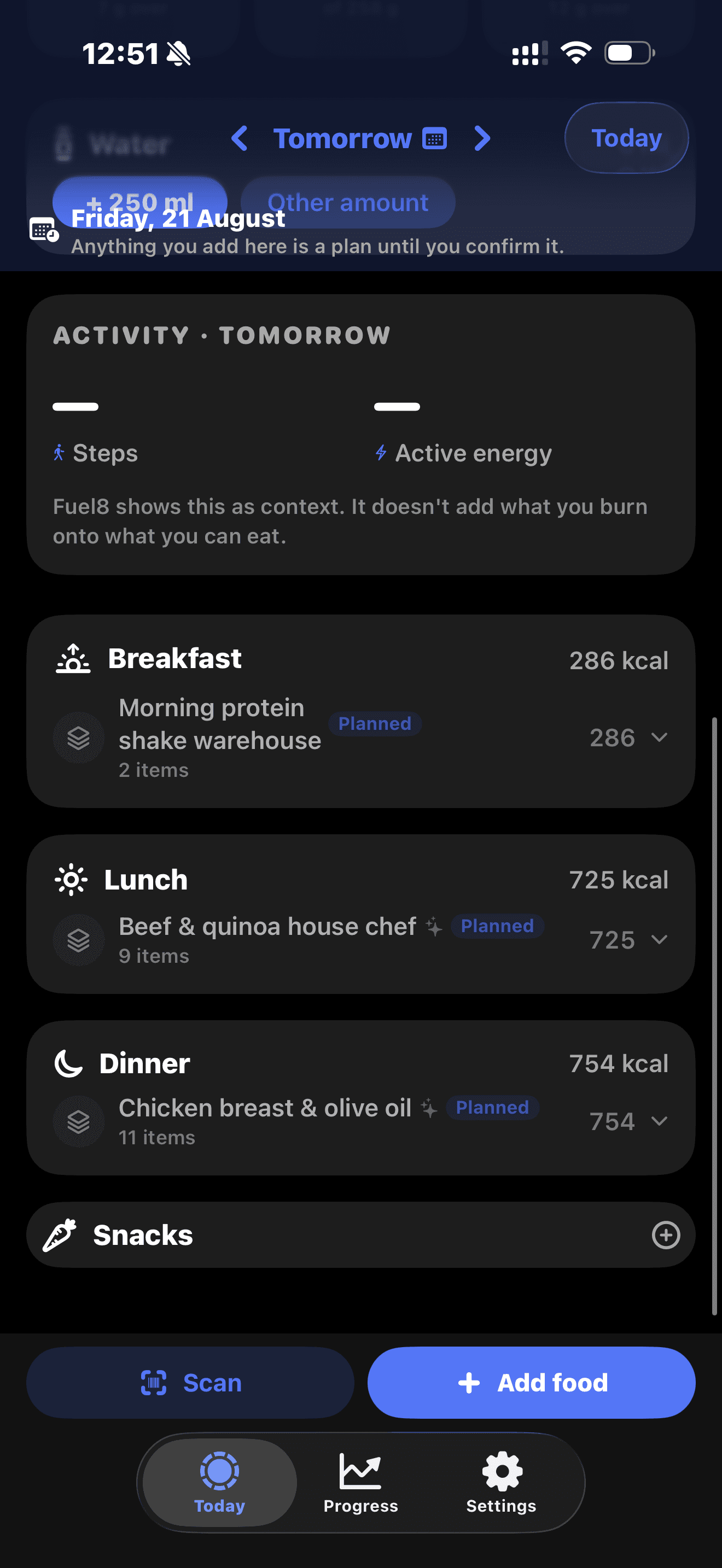
Cook six dinners on Sunday and enter them once. Food added to a future day stays a plan until you confirm you ate it, and a plan you never confirm counts for nothing at all.
Logging food fails when it’s slow. Every one of these is a few seconds, one-handed.
Your usual breakfast is a saved plate. One tap and it's logged, not four searches.
Scan the barcode. After the first lookup it works with no signal at all.
Say it out loud and it becomes a list you confirm later. Nothing is logged until you tap Add.
Pick the day and add it. The picker goes back as far as you need to go.
In the app
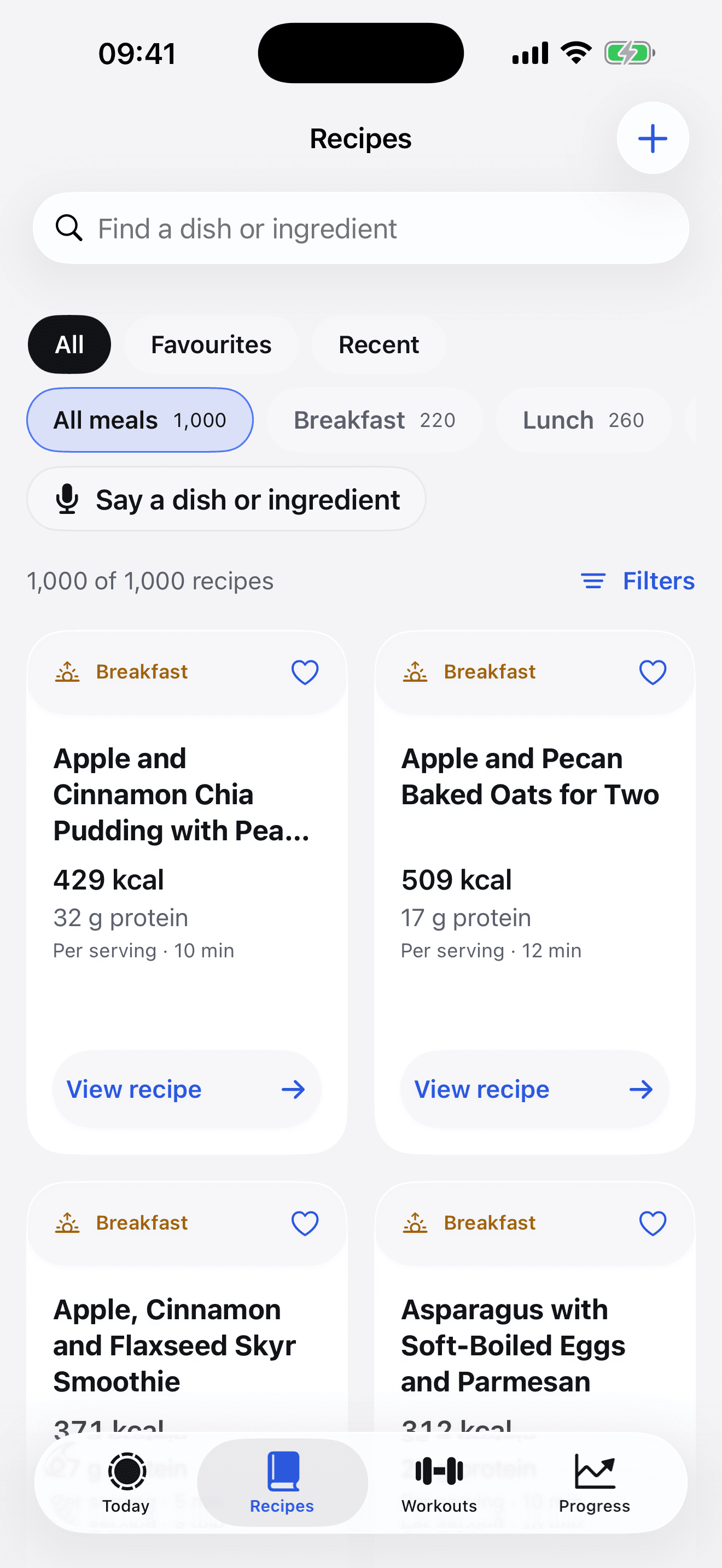
All 1,000 of them, in a Recipes tab of their own, with the same macros worked out from the same weights. Read it on the site, cook it, log it from the phone.
Type it or say it. Filter by meal and by calories per serving, keep favourites, and the ones you cooked come back under Recent.
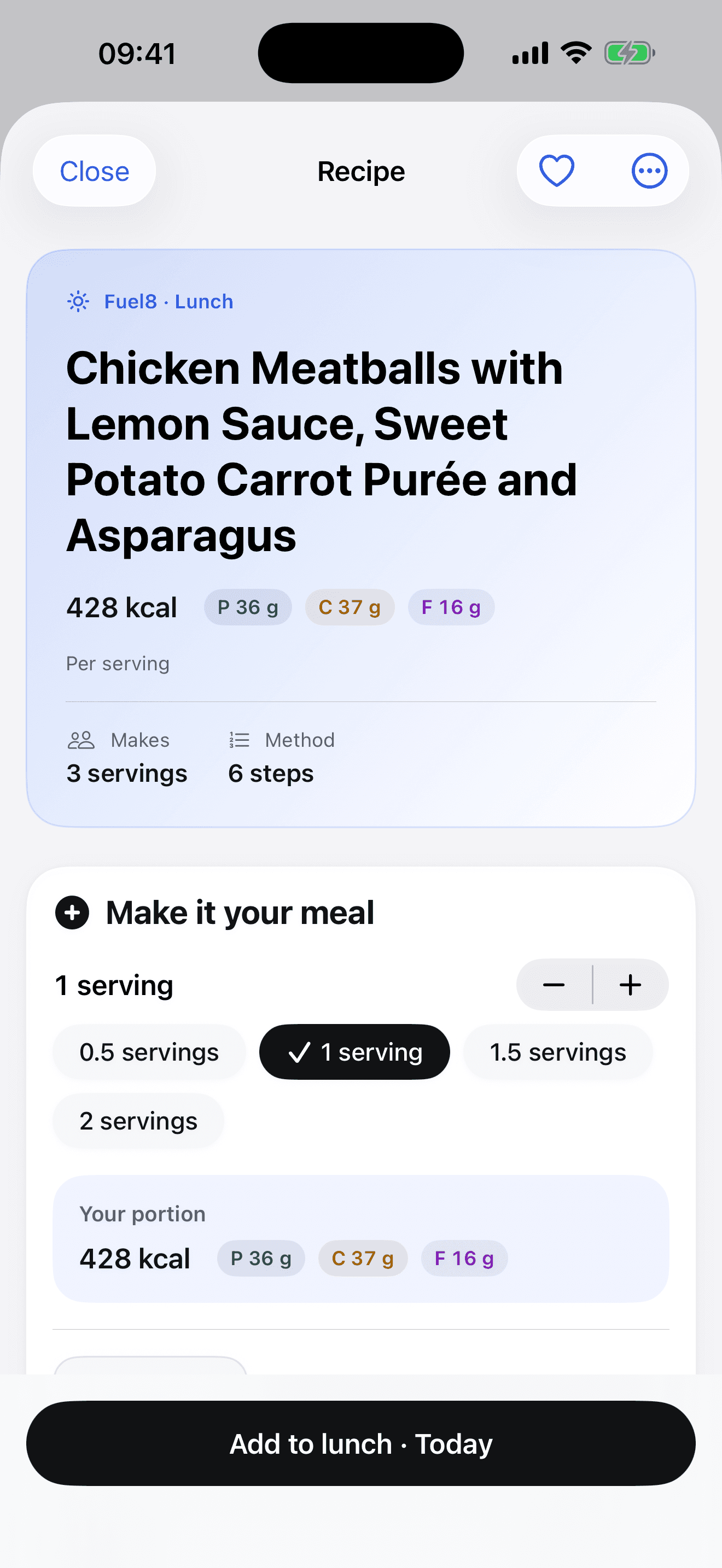
Half a serving, one and a half, two. The calories and macros follow the portion, and one tap puts it in breakfast, lunch, dinner or a snack, today or a day you are planning.
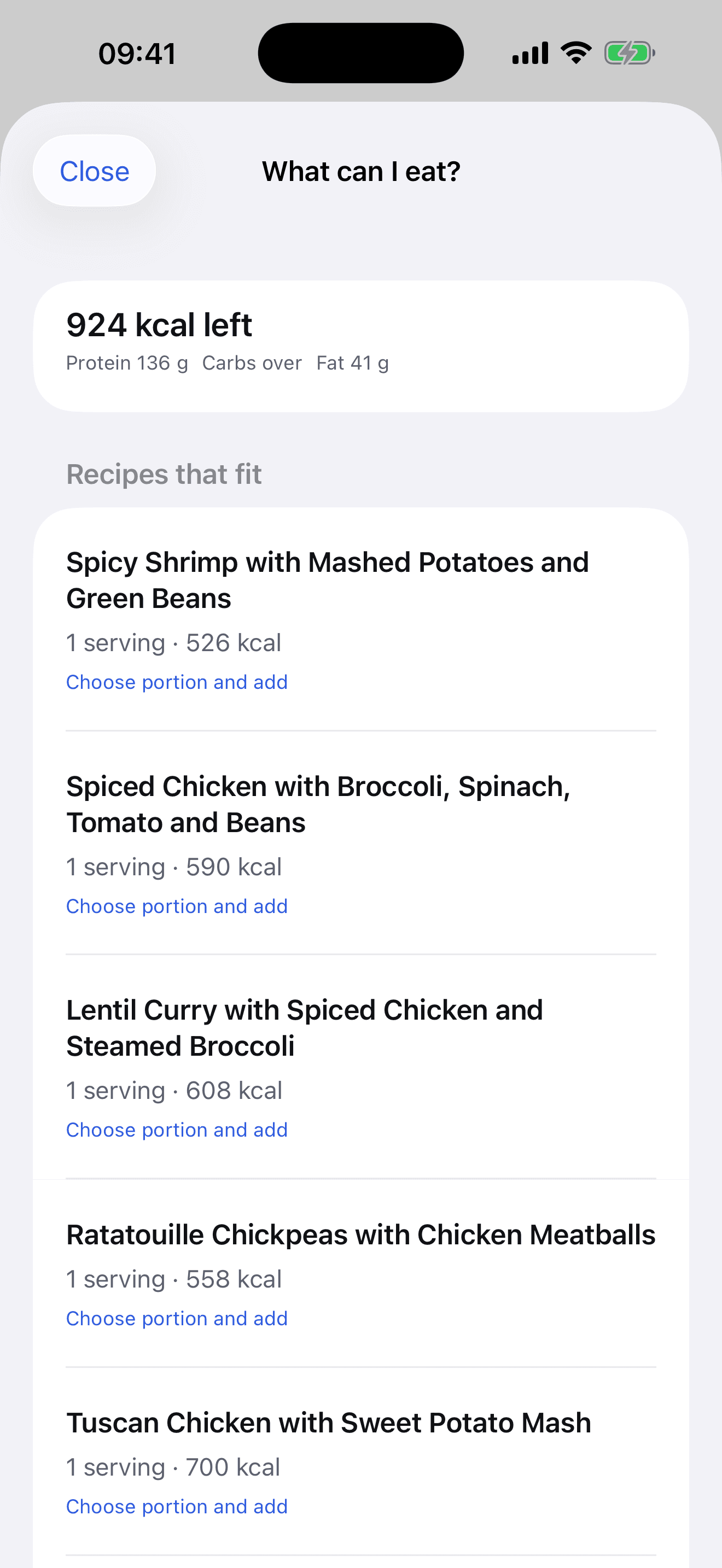
“What can I eat?” suggests recipes at portions that fit what is left of the day, from the same tab you log in.
Write a recipe of your own, or copy one of these and change it. Ingredients, method and nutrition together, and logged in a tap. Share the ingredient list to a shopping list.
New
Logging works without an account, as it always has. Sign in with Apple when you want more than the phone.
One switch in Settings. On, and your diary, weigh-ins, sleep, water and workouts go to your account. Off, and nothing does.
Sign in here and read every record, exactly as stored. Give a coach a code, or take it back. Remove any of it, or all of it, in one click.
How sync works, what it sends, and what the website shows you.
For coaches
A client types your code into their account page, and you see what they chose to share, with the same numbers they see. Until either of you ends it.
| Feature | MyFitnessPal | Fuel8 |
|---|---|---|
| Barcode scanning | Premium | Included |
| Voice logging | Premium | Included |
| Macro targets in grams | Premium | Included |
| Logging to a past day | Premium | Included |
Fuel8 is not affiliated with MyFitnessPal.
Every quantity weighable, every total arithmetic over those weights. Written the way you would have to log them anyway, in grams, with the brand named where the brand changes the answer. Every one of them is in the app’s Recipes tab, ready to log by the portion.
Long-form pieces where every figure is attributed to a named study. Including the ones that contradict what everybody repeats. The 10,000-step target came from a pedometer advert.
Log without an account. Sign in with Apple and choose whether to sync records to your Fuel8 dashboard.
The food database is inside the app. Logging a meal needs no connection at all.
No tracking SDKs or ad networks. Account records are used to provide the service and are never sold.
Account sync, coaching, Health sharing and optional photo estimates are explained in our policy. Read the privacy policy.
Calorie tracking goes wrong for people in predictable ways. These are enforced by tests that fail the build, not by a policy.
“A total across the weeks above, not a streak. A missed day doesn’t reset anything.”
No account is needed for core logging. For the web dashboard and coaching, create or access an optional account with Sign in with Apple. Turn on sync separately to send records to Fuel8.
The mailing list is separate from your Fuel8 account. It holds a name and email address in Mailchimp for recipe and product updates, and you can unsubscribe at any time. It does not enable diary sync or coach access.
If you enable account sync, your diary and training records go to Fuel8. Apple Health activity has a separate sharing switch. Barcode lookups send barcode digits to Open Food Facts, and optional photo estimates send a selected image to your chosen AI provider. The privacy policy explains these choices.
Yes. The 13,521-food database is bundled inside the app, so searching and logging work in aeroplane mode. Account sign-in, sync, coach deliveries, photo estimates and new barcode lookups need a connection.
Not yet. Fuel8 has no export feature today. Your synced records are readable on your web account. Local records and the online account have separate deletion controls, but the app has no export or restore button.
All of them, in the Recipes tab, with the same macros worked out from the same weights. Search by dish or ingredient, filter by meal or calories per serving, pick a portion and add it to a meal. You can write your own recipes there too, or copy one of these and change it.
Only if you let one. Turn on sync, then type the coach’s code into the Coaching box on your account page here. From then on they see your progress, diary and workouts, and their name is listed on that page with a button to stop it. A coach can send a workout to the app for you to add or dismiss. What a coach sees, in full.
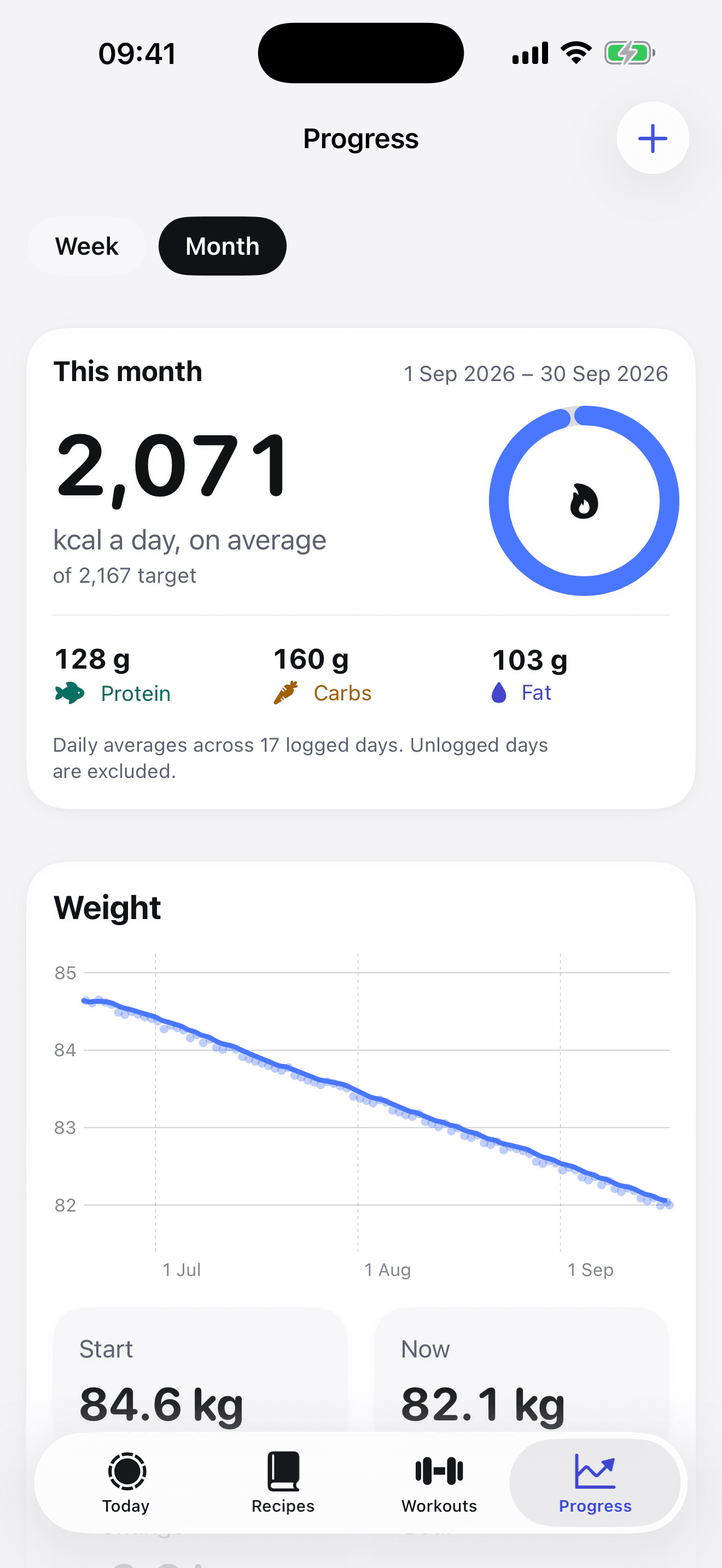
Nothing until you turn on sync in the app. After that, sign in here with the same Apple Account and you get Progress, Diary and Workouts views of your own records, plus a list of every document the app sent, readable as stored and removable one at a time or all at once. How sync works.
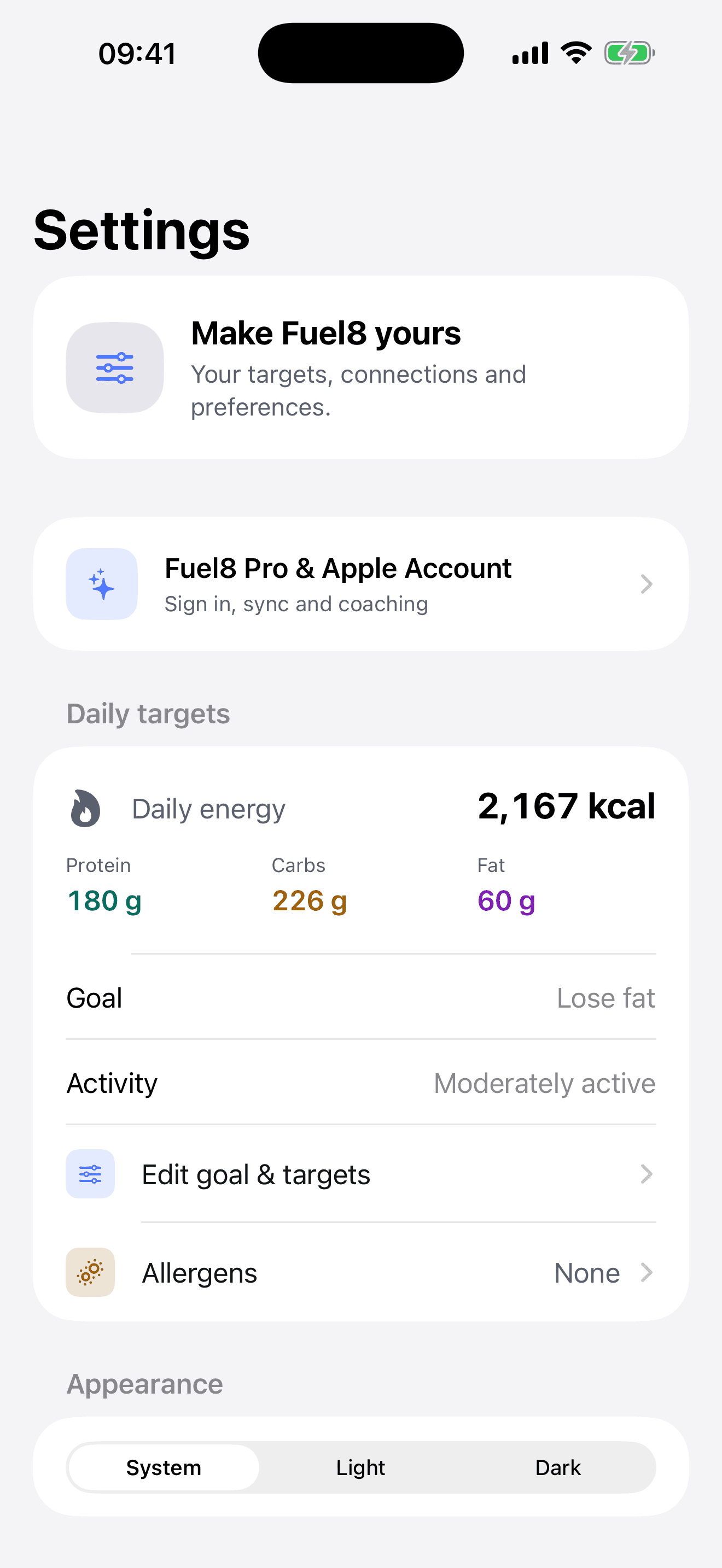
Nutrition values come from public databases and may be inaccurate. Calorie and macro targets are estimates from standard formulas and will not be right for everyone, for any one person they can be out by 10% in either direction, which is why every target in the app is editable.
Both, because they are the same log. Every food you add carries its calories and its protein, carbohydrate and fat, so the day shows a calorie total and the three macros beside it without a second mode or a second app. The calorie tracking works offline, from the 13,521foods on the phone, a barcode, or a sentence spoken aloud.
The app is on the App Store. This is the other thing: leave your name and email and you’ll get the new recipes and what we add next. Nothing else in between.
This form is the website, not the app. Your name and email go to Grow More Services L.L.C-FZ, the company that builds Fuel8, and are stored in Mailchimp so we can email you about new recipes and what we add next. This list is separate from your optional Fuel8 account. Unsubscribe in one click, any time.